For social media managers, content creators and marketing teams
Content Calendar Template
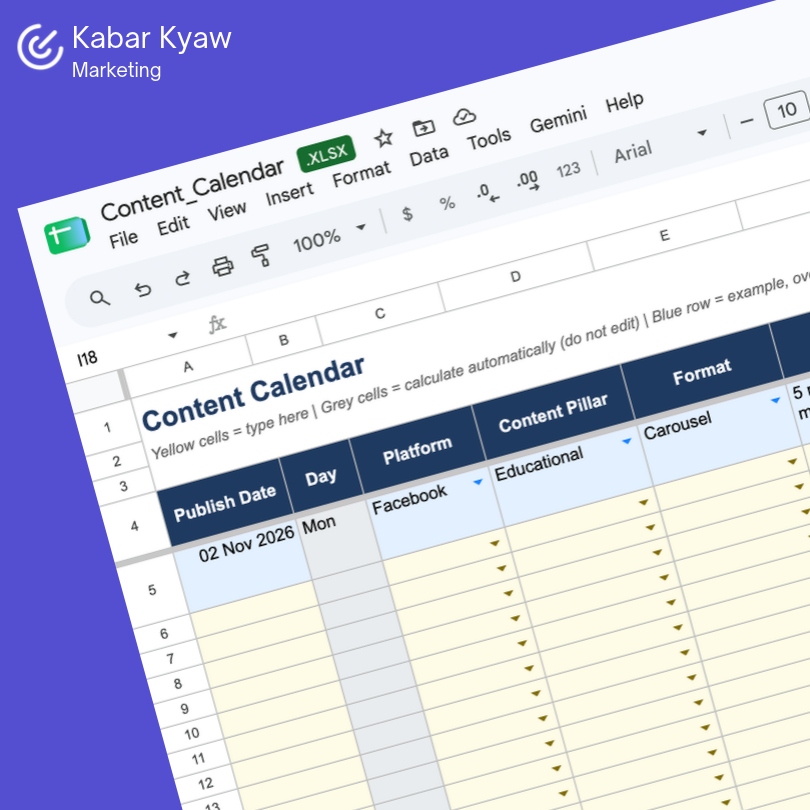
Plan every post by date, platform, content pillar and status in one organised Google Sheet. The dropdowns, weekday auto-fill and summary dashboard are already built in, so you can stop formatting and start planning.
Calendar tab Plan up to 60 posts with columns for date, platform, content pillar, format, topic or hook, caption, asset link, call to action, owner, status and publish time. The weekday fills in automatically from your date.
Lists tab Edit the dropdown choices for platforms, content pillars, formats and statuses. Add your own, and every dropdown updates.
Summary tab See your total planned posts, how many sit at each stage from Idea to Published, and how your content splits across platforms and pillars, with no manual counting.
Why use a content calendar?
Content planned in someone’s head or scattered across chats is content that gets missed. A calendar shows what’s going out, who owns it and what stage it’s at, so gaps and last-minute scrambles become easy to spot. It also shows whether your mix is balanced, for example too much promotion and not enough education.